NinjaLauncher (BlindLauncher)1.2.8
Publisher Description
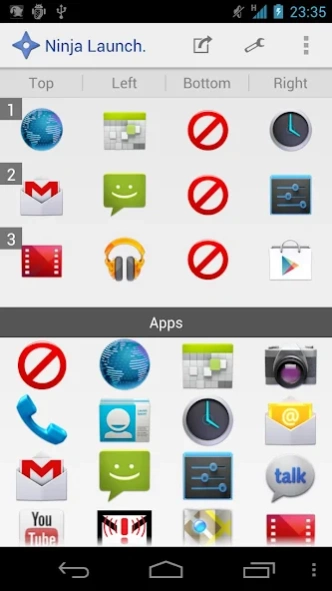
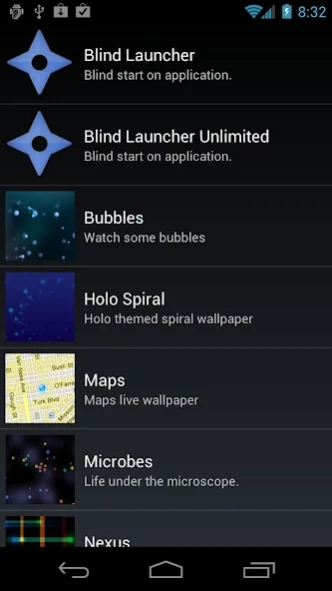
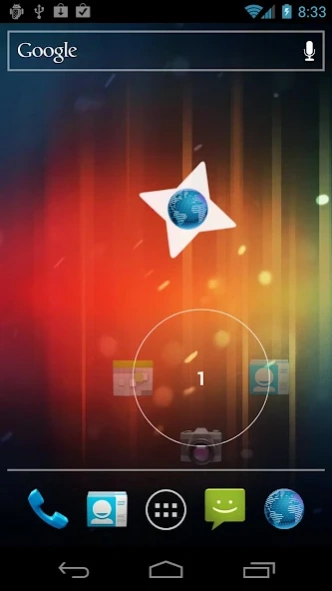
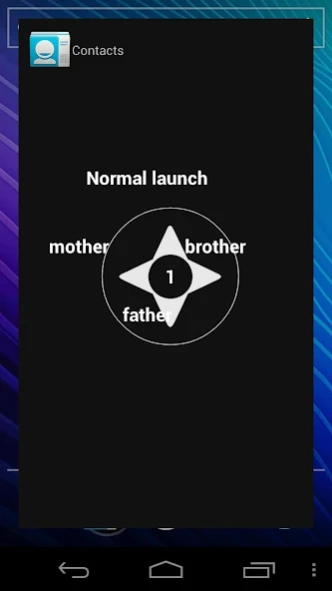
Blind start on application.
Blind start on application!
The tap and flick application will be launched anytime soon.
The free version You can register up to a maximum of four applications.
You can start the app by simply throwing a dart
from right to left or up and down.
Please check the 'Videos' for more information.
A new mechanism has been added from v1.0.6. (Ninja mode)
*Three themes
-Ninja Star(Shuriken)
-Circle
-Hearts
About NinjaLauncher (BlindLauncher)
The company that develops NinjaLauncher (BlindLauncher) is VideoScreensaver. The latest version released by its developer is 1.2.8. This app was rated by 1 users of our site and has an average rating of 3.0.
To install NinjaLauncher (BlindLauncher) on your Android device, just click the green Continue To App button above to start the installation process. The app is listed on our website since 2018-06-12 and was downloaded 9 times. We have already checked if the download link is safe, however for your own protection we recommend that you scan the downloaded app with your antivirus. Your antivirus may detect the NinjaLauncher (BlindLauncher) as malware as malware if the download link to jp.bizenkou.karakama.blind.launcher is broken.
How to install NinjaLauncher (BlindLauncher) on your Android device:
- Click on the Continue To App button on our website. This will redirect you to Google Play.
- Once the NinjaLauncher (BlindLauncher) is shown in the Google Play listing of your Android device, you can start its download and installation. Tap on the Install button located below the search bar and to the right of the app icon.
- A pop-up window with the permissions required by NinjaLauncher (BlindLauncher) will be shown. Click on Accept to continue the process.
- NinjaLauncher (BlindLauncher) will be downloaded onto your device, displaying a progress. Once the download completes, the installation will start and you'll get a notification after the installation is finished.
Program Details
System requirements
Download information
Pricing
Version History
version 1.2.8
posted on 2018-06-12
Bug fix and Improved application launch speed.
Improved double tap detection to avoid misdetection during home swipe.
version 1.2.4
posted on 2012-10-14
Several fixes and updates
version 1.2.4
posted on 2012-10-14
v1.2.4,Bug fix.,v1.2.3,Item added to a two-step shortcuts,Shortcut to the application information.,Shortcuts in the configuration details.,v1.2.2,Add a widget to display a transparent pad ninja and tap.,Transparent widget[1x1],Transparent widget[2x2],Transparent widget[3x3],Transparent widget[4x4],v1.1.2,Bug fix.,v1.1.1,Corrected to the equivalent of the old version of operability home screen (live wallpaper).
